Design Systems
Design System Development: Context and Constraints
While working for Clarifi, I designed not only their brand, but their initial website and MVP too. I was tight on time, designing from scratch, and working on multiple products at the same time. I had to keep my components organized and consistent across multiple designs, as seamlessly as possible. This is where I initially learned about Brad Frost, and his approach of atomic design.
I thought it would be awesome to create an atomic design system from scratch- but I also understood as a design team of two, I didn’t have that kind of time. So I utilized a customized version of Material UI. It was chosen due to its versatility across multiple coding languages and sheer volume of documentation; making work efficient and consistent across engineering and design. With a few customized color values and font changes, we had a perfectly well working design system ready to be dropped, dragged, and developed.
Sometimes, you don’t need to reinvent the wheel; you just need to tweak it to fit your road!
Foundations
(Color, Typography, Grid/Spacing)
Components (Buttons, Inputs, Sliders, etc.)
Usage/Documentation
Usage/Documentation
Icon System Development
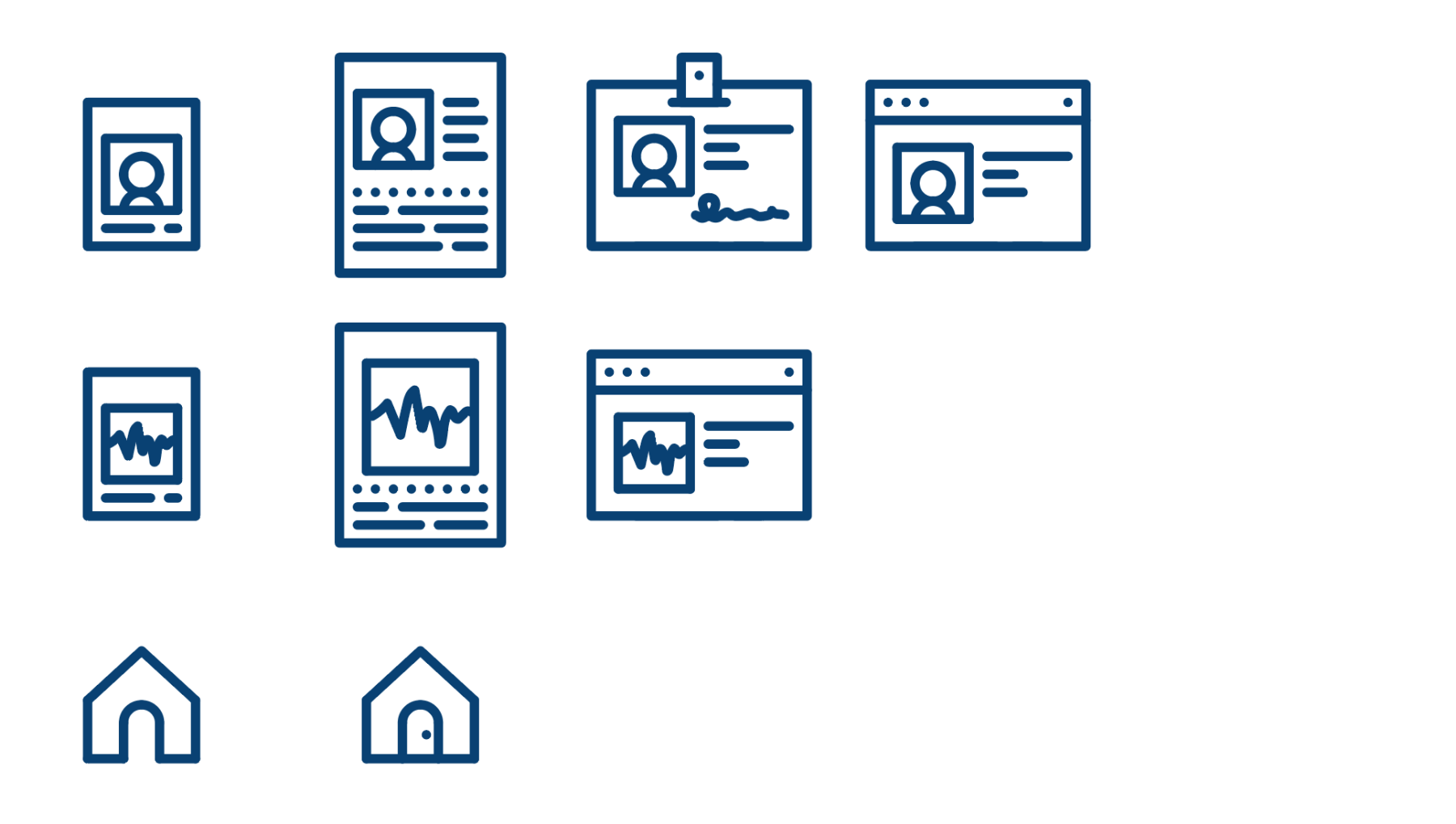
Alongside the chosen design system, I developed a system of icons for Clarifi.
These icons were made from scratch using Adobe Illustrator utilizing very few tools: a 1px line, a curved 1px line, and a boundary box. Shapes were rotated, compounded, duplicated, and curved to create all the assets you see here.
Building icons this way is preferable to utilizing a pre-set pack, because it allows you to maintain the same style and thickness across all illustrations, instead of outsourcing mismatched styles as soon as your preset pack doesn’t have the specialty icon you’re looking for.